ArchiveProject 05 / 11Tools / 3D / Games / Development
Blender 3D Workflow Tools
A set of Blender add-ons and Aseprite extensions that take a model from Blender, through hand-painted pixel textures in Aseprite, into Unity. Every asset ends up at the same pixel density, without the busywork.
[01] Overview
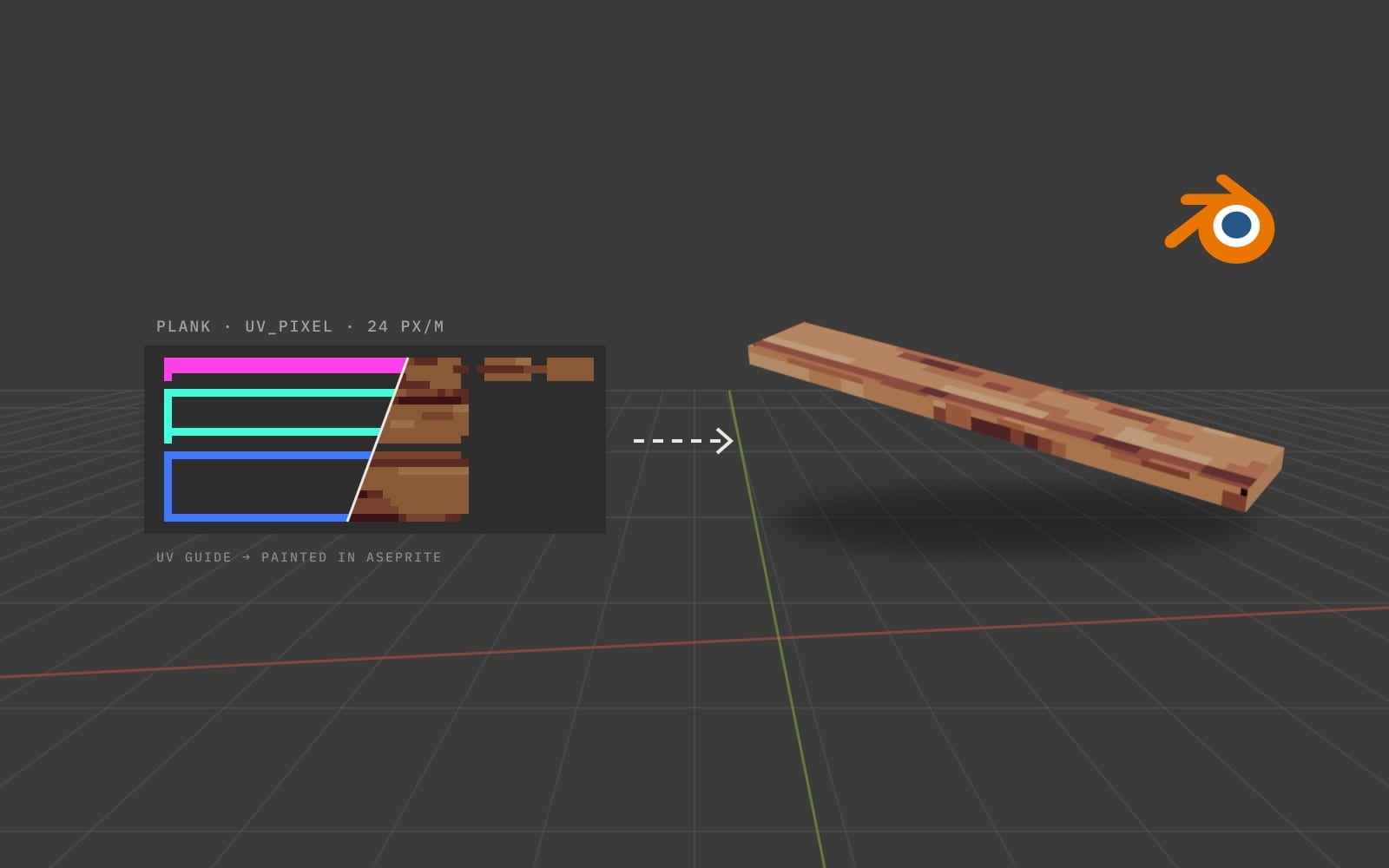
Project Frontier uses 3D models with hand-painted pixel-art textures. That look only works if every asset matches: the same pixel size everywhere, square pixels, small palettes. Doing that by hand for hundreds of assets is slow and easy to get wrong, so I built a pipeline around it.
The path is always the same: model in Blender, lay out UVs, texture in Aseprite, export to Unity. The tools take care of the routine steps in between, and I keep the artistic decisions.
I work AI-native, and this project is a good example: I designed the tools and built them with Claude Code, going from my designs to working tools and iterating until the workflow fit exactly how I make assets.
[02] The rules
Rules that make assets match.
- 01
One pixel size per kind of asset
24 px/m for the world, 48 px/m for handheld items, and millimetre-exact sizes for characters and faces. The tools enforce it.
- 02
Square pixels
No stretched or sheared texels. An overlay and a validator show exactly where they happen.
- 03
The look comes from the texture
Geometry stays clean and low to mid poly; the texture draws the detail.
- 04
Shipped art is hand-made
Generated layers are only a starting point to paint over, and they are tagged so a validator can tell them apart from hand-painted pixels.
- 05
Never edit originals
UV changes go to a new UV map with a backup, and bought models are copied before anything touches them.
[03] The tools
- 01
Pixel Tools (Blender add-on)
One panel for pixel-perfect UVs: pick an asset type, prepare UVs at the right density, see a score, a stretch overlay and a pixel checker, give important faces 2× pixels, and export a layered template to Aseprite.
- 02
Pixel Link (Blender + Aseprite)
Live two-way painting. Every stroke in Aseprite updates the model in Blender immediately, and Blender strokes come back to Aseprite as one undo step. Built on a small WebSocket server inside Blender.
- 03
Material Studio (Aseprite extension)
A procedural pixel-material generator for wood, stone, leather, cloth, metal and more, output as separate editable layers on top of your own painting. It can also retexture flat colours you painted, keeping their hues, outlines and small details.
- 04
Asset Forge (Blender add-on)
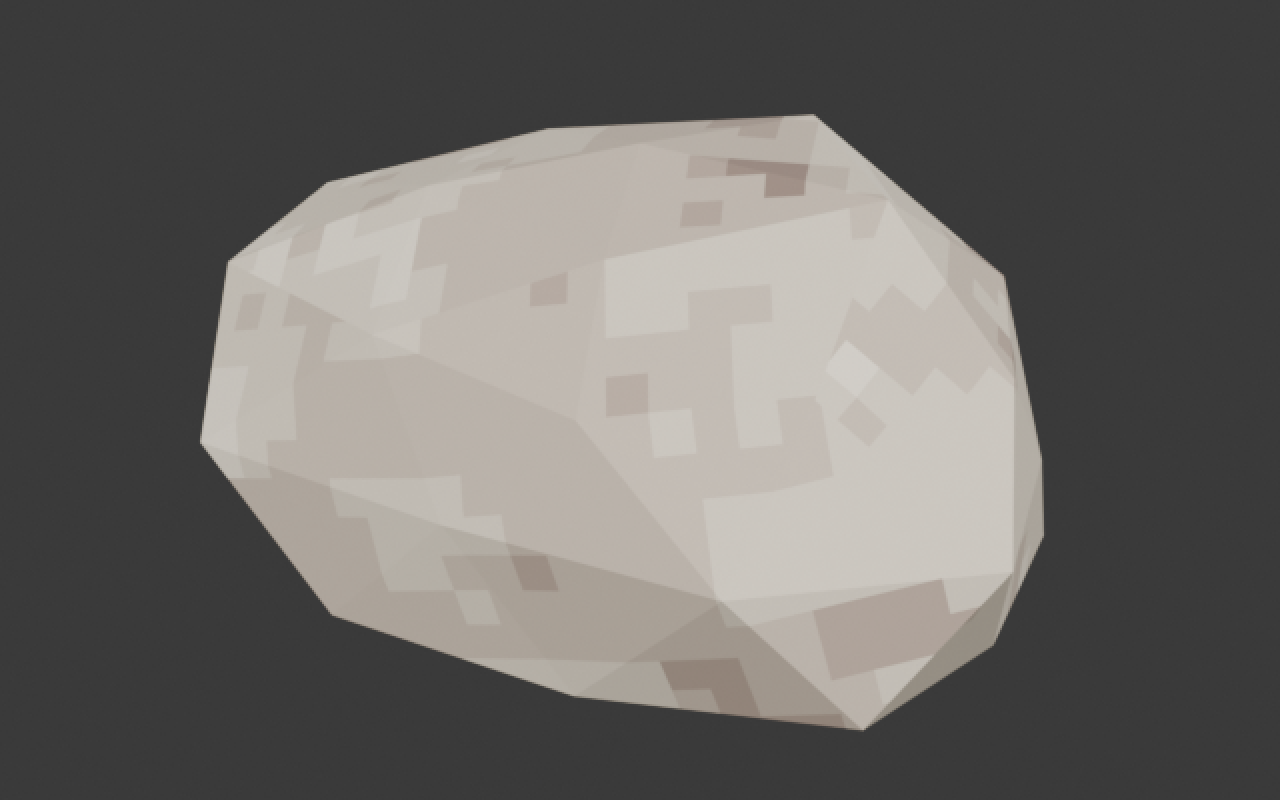
Converts bought or old models into the Project Frontier style, working on copies: texel density, bakes, a first pixel texture, previews under several lighting setups, validation and Unity export. It also runs headless from the command line.
- 05
Unity importer
Picks up the exported FBX and textures, sets point filtering and no compression, builds the material, and checks the scale against what Blender exported.
[04] The workflow
From a cube to an asset in the game.
- 01
1. Block out in Unity
A cube of the planned size next to the player settles the scale before any detail work.
- 02
2. Model in Blender
Low to mid poly, origin at the base, moving parts as separate objects.
- 03
3. Pixel UVs
Pixel Tools prepares UVs at the asset type’s density and scores them. Red faces in the stretch overlay need a seam.
- 04
4. Texture in Aseprite
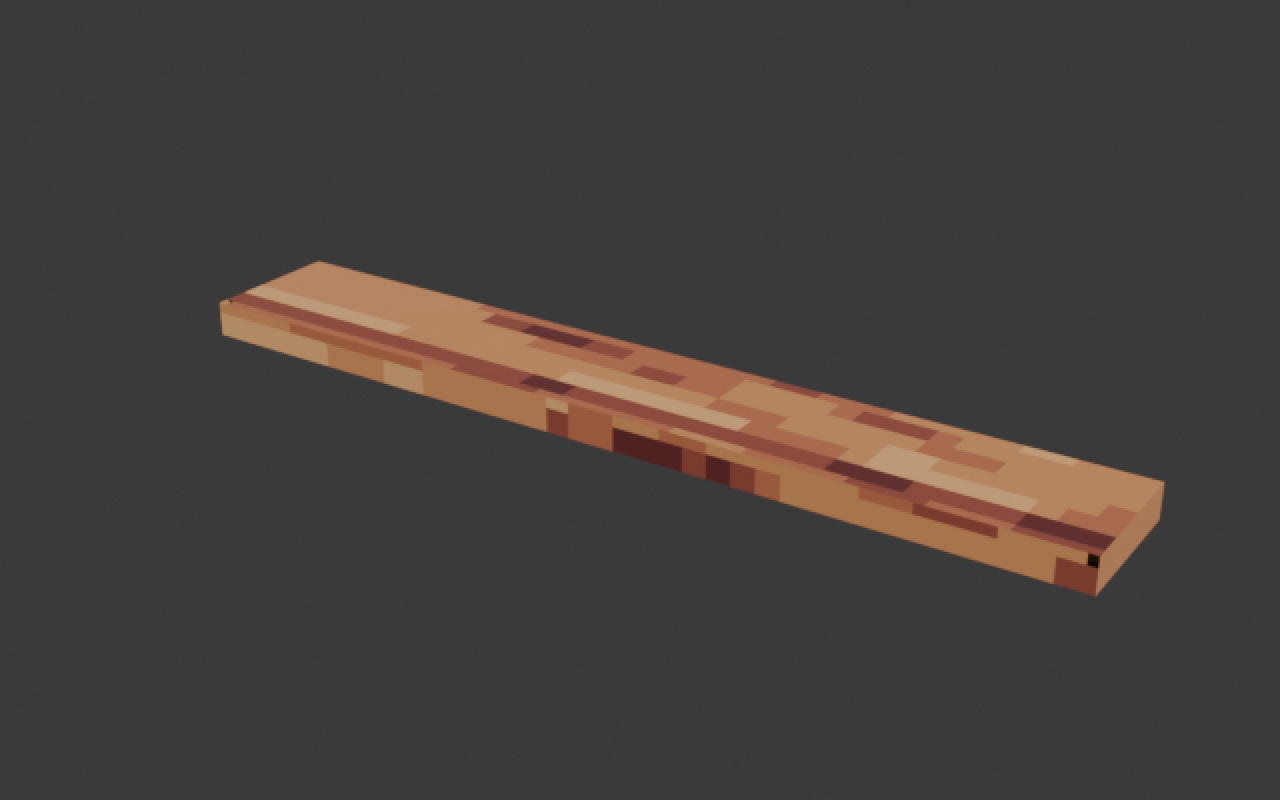
Export the template, generate a base material with Material Studio, then paint highlights, wear and edges by hand. Pixel Link shows every stroke on the model live.
- 05
5. Validate and export
Fix every fail, then Export to Unity. Re-exporting under the same name updates every placed copy in the game.
[05] Why it matters
Changing pixel size or UVs after painting is safe: the painting is re-sampled into the new layout automatically, and the old files are kept. I can change my mind late without repainting, and that is what makes a consistent art style realistic for one person.